How to Develop an Intranet Knowledge Management Strategy
November 21st 2025
According to McKinsey, your knowledge workers probably spend 20% of their time just looking for internal information or tracking down the right employee to ask. That's about eight hours a week of pure overhead.
The problems show up everywhere:
Your team asks in Slack where to find the employee handbook, vacation policy, or expense guidelines
The marketing team uses three different project templates because nobody knows which one is official
New employees spend their first week asking how to submit expenses, request time off, or order supplies
The same “How do I access…?” and “Where do I submit…?” questions appear every few weeks
Someone spends an hour on a customer proposal, unaware that a better version already exists
It starts small. Someone can't find the expense policy. Maybe a new hire doesn't know who handles vendor contracts.
But these little searches add up to massive productivity losses across your organization. Worse, they frustrate your best people who just want to get their work done.
This guide will help you develop an intranet knowledge management strategy that solves these problems for good. You'll learn how to organize information, create clear workflows, and build a system that becomes your team's default resource.
What is knowledge management, and why does it matter?
Knowledge management is how organizations collect, structure, and share internal information, assets, and expertise. It creates clear processes for documenting what employees know and organizing that information logically, which keeps it accessible to everyone.
Before you can manage knowledge properly, you need to recognize what you're working with. Companies typically handle four different types of knowledge:
Type
What it is
Examples
Explicit Knowledge
Documented information that's easy to share
Policies, procedures, guides, templates, training materials
Tacit Knowledge
Personal expertise and experience
Problem-solving skills, customer relationships, and technical know-how
Institutional Knowledge
Company culture and unwritten rules
"How things really work", team dynamics, and historical decisions
Customer Knowledge
Information about and from customers
Support tickets, feedback, purchase patterns, preferences
Knowledge management comes down to four basic tasks:
Capture: Extracts knowledge from employees and stores it in your systems. Your team documents their processes, writes down decisions, and saves valuable communications in accessible places.
Organize: Arranges the company information in ways that make sense to your team. This means you set up intuitive categories, standardize file names, and create structures people understand immediately.
Share: Makes sure knowledge reaches the right people at the right time. You set up access permissions, create ways to distribute information, and break down the walls between departments.
Maintain: Stops your knowledge from going stale. You need regular reviews, updates when things change, and systems to remove obsolete information.
Without a knowledge management strategy, departments hoard information in silos, teams repeat mistakes, and new hires flounder for months with only “ask Jennifer” as guidance.
Research shows departing employees take up to 42% of their role's expertise out the door. That's years of undocumented knowledge gone instantly.
Benefits of intranet knowledge management
A well-executed intranet knowledge management system delivers benefits across your entire organization. Here's what companies typically see after implementation:
Faster employee onboarding: New team members can easily find policies, processes, and tools without constantly interrupting colleagues. Automating the employee onboarding process can cut onboarding duration by five days.
Better decision-making: Leaders make informed choices when they can quickly pull up past results, performance data, and previous decisions. Nearly 40% of organizations say knowledge management improved their business performance, including better decisions and faster product launches.
Stronger knowledge retention: With a centralized intranet, your organization keeps valuable expertise even after employees quit or retire. This is especially important considering that 90% of professionals believe retiring employees take critical knowledge and expertise with them.
Consistent customer experience: Your team delivers uniform responses because each member draws from the same updated information. Plus, customers can find answers directly through self-service knowledge bases. 73% of customers even prefer self-service solutions when companies provide quality knowledge bases.
Lower operational costs: Less time wasted on searches, fewer repeated mistakes, and faster training all add up to company savings. The system typically pays for itself within the first year. Some studies show that knowledge management reduces customer support costs by 20% to 40%.
7 key intranet features that power knowledge sharing
Building an intranet without these seven features is like building a library without shelves. You need specific capabilities to organize, find, and share knowledge properly:
1. A centralized knowledge base (wikis & articles)
What it is: A centralized knowledge base houses all your company's important information in one searchable location. It includes wikis where teams collaborate on documentation and formal articles for policies that need approval before publishing.
Why it matters: A single location for all knowledge means people find answers in seconds instead of hours. It also prevents the chaos of outdated documents floating around in email attachments and random folders. Getting buy-in doesn't have to be complicated either – here’s how one Reddit user approaches it:
The Ops team held a series of one-day "wiki clean-up" workshops where everyone would hole up together in a conference room, order pizza (on the company dime, thanks to our awesome boss), and clean up/re-organize documentation. That was enough to get people familiar with it and hooked on it, and from there it's been steady sailing.
Quick implementation tips:
Start with your most-searched topics, like employee handbooks, IT procedures, and expense policies, to show immediate value
Create templates for common document types so contributors maintain consistent formatting without extra effort
Set up a clear hierarchy no more than three levels deep to prevent people from getting lost in subcategories
Assign subject matter experts as content owners who review and update their sections quarterly
Build a glossary of company-specific terms and acronyms that new employees always struggle with
Example: A software company uses its internal knowledge base to store API documentation, coding standards, and deployment procedures in one searchable location. Developers stop asking repetitive questions in Slack, and new team members onboard 40% faster with self-service access to everything they need.
2. AI-powered search functionality
What it is: An AI-powered search engine understands what users truly mean, not just the exact words they type. It uses natural language processing to find relevant content even when people don't know the right keywords or technical terms.
Why it matters: Traditional search breaks when employees use different words than what documents contain. AI search recognizes concepts and relationships between topics, so employees find answers regardless of the words they choose.
Quick implementation tips:
Train the AI on your company's specific terminology and acronyms so it recognizes internal jargon and abbreviations.
Create filters for date ranges, document types, and departments to help users narrow results without complex search operators.
Set up synonym mapping so searches for "time off" also find "PTO", "vacation", and "leave policy".
Index document content, not just titles and tags, so the AI can search within PDFs, spreadsheets, and presentations.
Monitor search analytics to outline common failed searches and create content to fill those gaps.
Example: An employee searches "how do I expense my phone bill?", and the AI returns the expense policy, reimbursement form, and step-by-step guide – even though none of those documents contain the phrase "phone bill". The system understands the intent and connects related concepts automatically.
3. Collaborative spaces and forums
What it is: Collaborative spaces create online work environments where teams discuss projects, share insights, and troubleshoot problems together. These include project workspaces, department forums, and Q&A boards where employees contribute knowledge through discussion rather than formal documentation.
Why it matters: Not all organizational knowledge fits neatly into articles. Sometimes, the best insights come from conversations and shared user experiences.
Quick implementation tips:
Create separate spaces for different purposes, like project collaboration, general Q&A, and department-specific discussions
Define clear rules about what belongs in forums versus formal documentation
Set up threading and tagging so conversations stay organized and future users can find related discussions
Assign community champions who seed discussions, answer questions, and recognize helpful contributors
Archive inactive spaces after projects end, but keep them searchable for future reference
Example: A marketing team uses its collaborative space to brainstorm campaigns and share regional performance data. When someone faces a similar challenge months later, they search past discussions and find proven solutions instead of starting from scratch.
4. Dynamic people directories
What it is: Dynamic people directories create searchable profiles that show each employee's expertise, current projects, and areas of knowledge. They automatically update based on contributions, completed work, and self-declared skills to maintain accurate information about who knows what.
Why it matters: Finding the right expert wastes hours when you don't know who handles specific topics or has certain skills. These directories instantly connect employees with colleagues who can answer their questions, replacing the "does anyone know who…?" messages that flood your internal communication channels.
Quick implementation tips:
Pull initial data from HR systems, but let employees edit their profiles with skills, interests, and expertise areas
Include current and past projects so people can find colleagues who worked on similar initiatives
Create "I can help with" and "I'm learning" sections to encourage knowledge sharing at all levels
Create automatic updates from project management tools to keep project involvement current
Set up quarterly reminders for employees to update their skills and current projects
Example: An engineer needs help with a legacy system that few people understand anymore. She searches the directory for that technology, finds three colleagues who worked with it previously, and connects directly with someone who solved her exact problem last year.
PRO TIP 💡: Workvivo's People Directory displays profile cards showing each employee's name, job title, department, and location at a glance. New team members can click on any colleague's avatar to view their full profile, including contact information, bio, activity feed, and organizational chart position.
5. Smart content management and categorization
What it is: Your intranet's smart categorization reads document content and places it in the right location with appropriate tags. This feature watches how employees navigate your intranet and adjusts the structure to reduce clicks and search time.
Why it matters: Employees give up on the KB when they can't figure out where things are stored or how to navigate the structure. Proper categorization makes content discoverable through multiple paths, so people find what they need regardless of how they search. The long-term value is huge, as one Reddit user noted:
“The maintenance effort is minimal – well-defined category taxonomy rarely needs changing unless there has been a significant change in the business.
“Meanwhile, the benefits, including easy access to knowledge, easy knowledge article segmentation for both users and administrators, and improved analytics, are ongoing for all users of the system.”
Quick implementation tips:
Start with broad categories that match how your teams think about work, and then add subcategories as needed
Set up automatic expiration dates so outdated content doesn't clutter your categories
Create visual category maps or navigation guides for complex hierarchies
Use synonyms and alternate terms in your metadata so different departments can find the same content
Build "see also" connections between related categories to help users discover relevant content
Example: A healthcare company's cloud-based intranet automatically categorizes patient care protocols by department, procedure type, and compliance requirements. When new medical guidelines arrive, the system outlines all affected documents and flags them for review, so the clinical staff can always access current best practices.
PRO TIP 💡: Workvivo's unified search and categorization spans all your connected systems – SharePoint, Google Drive, OneDrive, and more. You can set up folders that automatically pull related content from multiple sources, so employees searching for "benefits" see everything relevant regardless of where each document lives.
6. Automated workflows and templates
What it is: Automated workflows streamline knowledge creation and approval processes by routing documents through the right reviewers and publishers automatically. Templates provide pre-built structures for common document types, so it’s easy for anyone to contribute quality content.
Why it matters: Knowledge management fails when contributing content takes too much effort or when outdated information stays published because nobody manages reviews.
While perfect automation doesn't exist, modern intranets can very much handle the heavy lifting once you properly set up your templates and workflows.
Quick implementation tips:
Create templates for your most common documents, like curating meeting notes, project briefs, and policy updates
Set up approval chains that match your existing review processes, but with automatic routing
Build reminder systems that notify content owners when documents need updating or archiving
Use conditional workflows that route content based on type, department, or sensitivity level
Example: A marketing team uses templates for campaign briefs that automatically pull in brand guidelines and past performance data. When someone creates a new brief, the workflow routes it to the creative director for approval, then publishes it to the team workspace and notifies all stakeholders. This all happens without manual intervention.
7. Granular permissions and security
What it is: This feature gives you precise control over who sees, edits, or shares each piece of content in your intranet. You can set permissions for entire departments, specific teams, or individual users to keep sensitive information secure and compliant.
Why it matters: Employees hesitate to share knowledge when they worry about exposing critical information to the wrong people. Good permission systems remove this fear because they ensure that everyone has the access they need to do their jobs effectively.
Quick implementation tips:
Start with role-based permissions that match job functions before you set up individual exceptions
Create permission templates for common scenarios like "all employees", "managers only", or "department specific"
Set up inheritance rules so subfolders and documents automatically adopt parent permissions unless overwritten
Build approval workflows for permission changes to prevent accidental exposure of sensitive content
Audit permission settings quarterly to remove access for employees who have changed roles or left the company altogether
Example: An HR team stores salary data, employee reviews, and company policies in the same intranet but with different permission levels. All employees access policies, managers see their team's reviews, and only HR views salary information – all managed automatically based on roles.
PRO TIP: Workvivo's role-based permissions inherit from your existing directory services. You can create permission templates for common scenarios, like new hires, managers, and contractors, that automatically apply the right access levels.
A 4-step guide to launching your knowledge management initiative
Time to put your knowledge management strategy into action. The next five steps show you exactly how to go from planning to launch without overwhelming your team.
Step 1: Define your action plan and goals
Before you upload a single document or create your first wiki page, you need clear goals that everyone understands. Common knowledge management goals usually include:
Reduce employee onboarding time by 50%
Cut repetitive support tickets by moving answers to self-service
Standardize processes across different office locations
Preserve knowledge before senior employees retire
Make it easier for remote teams to access the same information as headquarters
Every goal needs a number, a deadline, and a person in charge. Pick metrics that people care most about, like how fast new hires become productive or how many support tickets get resolved.
Goal
Metric
Timeline
Owner
Faster onboarding
New hires are productive in 3 weeks (vs current 6)
Q2 2026
HR Lead
Reduce repeat questions
50% fewer "where do I find…?" messages in Slack
Q1 2026
IT Manager
Optimize documentation quality
100% of critical business processes documented and updated
Q3 2026
Ops Director
Increase knowledge sharing
75% of employees contribute at least one article
Q4 2026
KM Champion
Better decision access
Executives find reports in under 1 minute
Q1 2026
Data Team
Note: Use these examples as starting points. Your actual goals and timelines will depend on your specific situation and priorities.
Document these goals in a simple project charter that everyone can reference. Include what's in scope, what's not, and how you'll measure success.
This document becomes your north star when decisions get complicated or priorities compete for attention.
Step 2: Engage management and content champions
You need executives to fund and support your document management system, but you need ground-level champions to bring it to life.
Look for natural “knowledge sharers” in every department. These aren't necessarily managers or senior staff. Often, your best champions are mid-level employees who know how things really work and already help their colleagues find information.
They understand departmental pain points and speak their team's language, so they’re perfect bridges between the knowledge management system and everyday users.
Role
Department
Responsibilities
Time commitment
Executive sponsor
Leadership
Provide budget, remove barriers, communicate importance
2-3 hours/month
KM lead
IT or operations
Own strategy, manage platform, track metrics
50% of the role
Department champion
Each department
Create content, train peers, gather feedback
5 hours/week
Content reviewer
Subject experts
Validate accuracy, approve changes, update outdated info
3 hours/week
Community moderator
Cross-functional
Encourage participation, highlight good content, answer questions
2 hours/week
Note: Time estimates vary widely between organizations. Your actual time needs will depend on organization size, content volume, and current documentation state.
Look for these qualities when selecting champions:
Already recognized as go-to people for information and help
Comfortable with technology but patient with those who aren't
Strong communicators who can write clearly and explain complex topics
Positive attitude about change and improving processes
Connected across departments, not just within their own silo
Make champion roles attractive, not just extra work on top of regular duties. Build knowledge sharing into performance goals, celebrate contributions in company meetings, and offer perks like conference attendance or training opportunities.
PRO TIP 💡: Leverage Workvivo's recognition features to make champion roles visible and rewarding. Create special badges for "Knowledge Champions" that appear on profiles, and use the platform's shout-out feature to publicly celebrate when champions create valuable documentation or help colleagues.
Step 3: Adopt the right technology
Too many organizations pick intranets with flashy features they'll never need or, worse, choose based on price alone without considering whether employees will truly use it.
That’s why you should first map your specific knowledge management needs to intranet capabilities, not the other way around.
Document what you need the intranet to do, how different departments will interact with it, and what existing systems it must connect with.
Some common red flags you should watch for when evaluating platforms include:
Vendors who can't provide references from companies using it specifically for knowledge management
Complicated pricing that scales poorly as you add users or content
Limited integration with your existing tools like Office 365, Google Workspace, or Slack
Poor search functionality that only matches exact keywords
No clear migration path to import your existing documents and wikis
Make sure to run a pilot program before making any final decisions. Choose a department that's excited about knowledge management and have them use the intranet for real work during a 30-day trial.
Step 4: Launch, train, and promote
Before you announce your knowledge management system, stock it with the content people search for most often.
Start with high-demand documents like employee handbooks, IT guides, and common procedures. When users find what they need on their first visit, they'll return on their own.
Content type
Priority
Owner
Deadline
Employee handbook & policies
Critical
HR
Week 1
IT support guides & passwords
Critical
IT
Week 1
Expense & travel procedures
High
Finance
Week 2
Project templates & briefs
High
PMO
Week 2
Product documentation
Medium
Product
Week 3
Training materials
Medium
L&D
Week 3
Meeting notes & decisions
Low
All teams
Week 4
Historical project files
Low
Archives
Week 4
Promote your intranet across every channel your team uses:
Send weekly "Did you know?" emails that outline useful content or features
Set up intranet links to email signatures and Slack channel descriptions
Share success stories during team meetings and company all-hands
Post screenshots in common areas showing how to find popular resources
Remember that training shouldn't be a one-time event during launch week. Schedule regular sessions for new features, hold office hours for questions, and create video tutorials for common tasks.
And keep in mind that different teams need different training. Sales might need mobile access demos while HR focuses on permission management.
PRO TIP 💡: Workvivo's social media design means employees don’t need any formal training to start contributing. They already know how to like, comment, and share from years of Facebook and Instagram use.
Keeping your knowledge base alive: 5 essential best practices
A neglected company knowledge hub frustrates users more than having no system at all. These best practices keep your system fresh, trusted, and valuable to everyone who uses it.
Create content expiration dates: Assign review dates to time-sensitive documents like policies, procedures, and project plans. With automatic reminders, you can make sure that nothing stays outdated long enough to cause problems.
Monitor search failures: Track what people search for but can't find, then create content to fill those gaps. Failed searches are your roadmap to the exact documentation your team needs most.
Establish the "one source" rule: With 36% of companies using three or more knowledge management tools, duplicate content becomes inevitable without strict governance. Consolidate content into your intranet to avoid versions scattered across multiple platforms.
Make it easy to contribute: If contributing content requires five approvals and technical knowledge, nobody will bother. Simplify the process with one-click templates, automatic formatting, and minimal approval steps for low-risk content.
Reward ongoing contributions: Recognize employees who regularly add or update content through shout-outs, performance reviews, or small rewards. When employees feel like their contributions matter in shaping the culture, they're nearly five-times more likely to perform at their best.
Workvivo: Your all-in-one knowledge management hub
You've built your knowledge management strategy, selected your champions, and organized your content structure. But without the right platform to bring it all together, your teams will still waste hours hunting for information or recreating work that already exists.
That's where Workvivo comes in.
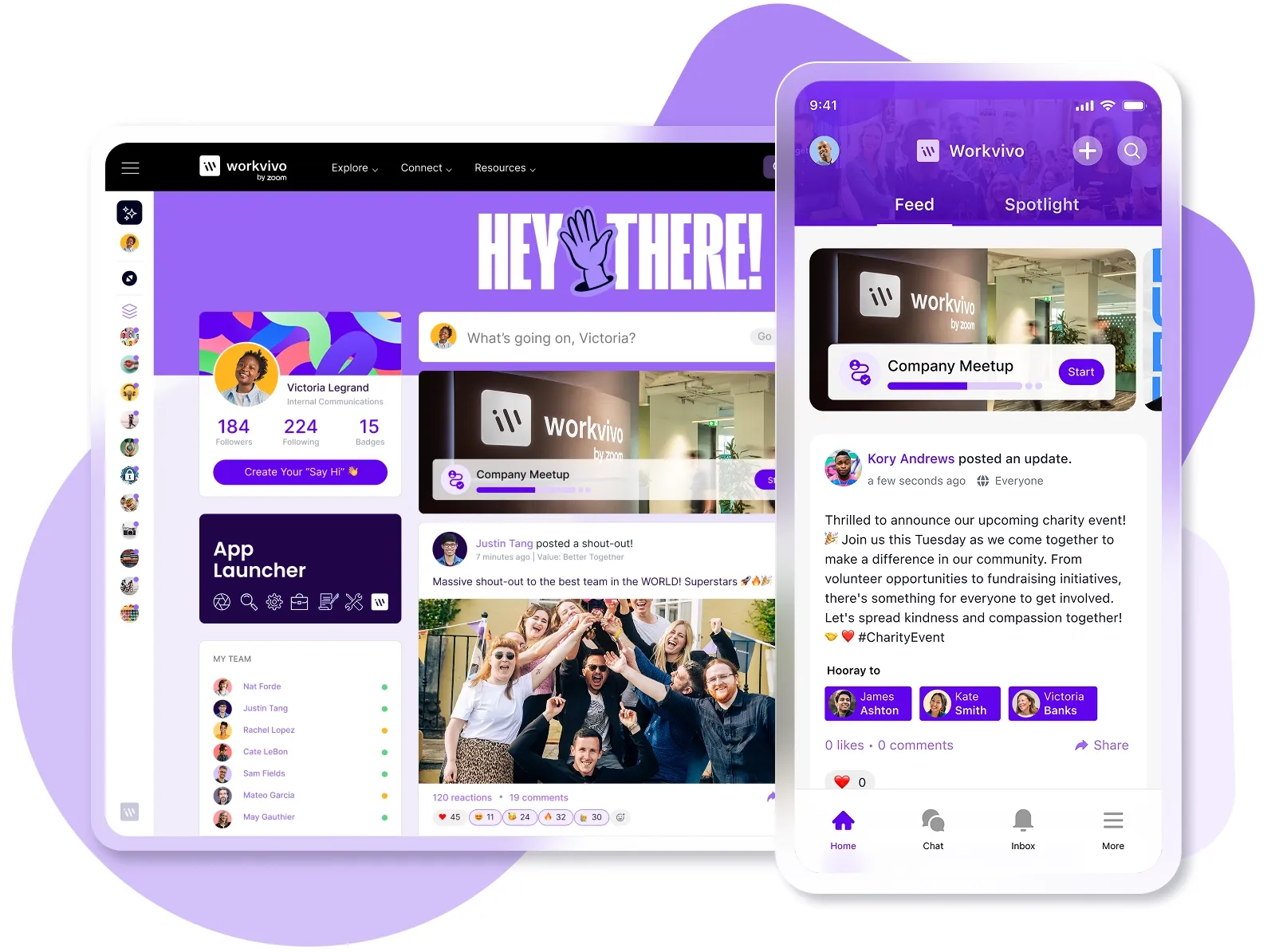
Workvivo is a popular employee experience platform that integrates knowledge management, team communications, employee engagement features, and performance analytics into one seamless mobile-first solution.
AI-powered knowledge discovery: Workvivo's AI understands context and intent, not just keywords, to help employees find the exact information they need. The system pulls answers from your knowledge base, reduces repetitive HR tickets, and helps employees find policies, procedures, and resources instantly.
Centralized content hub: Store all your corporate documents, wikis, and resources in one searchable location with automatic version control. Your teams can collaborate on documentation in real-time while the system maintains a clear audit trail.
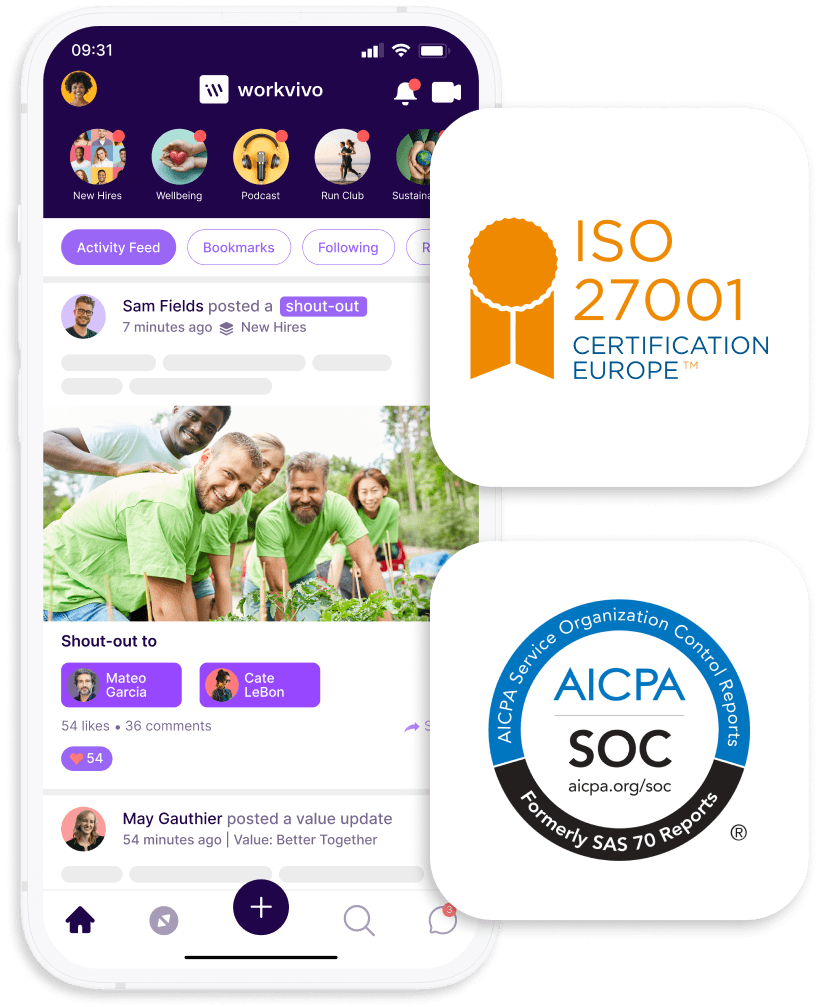
Mobile-first design: Reach every employee – from corporate offices to factory floors – with full functionality on any device. Frontline workers get the same access to knowledge and resources as desk employees. The user-friendly, social media-style interface drives 90%+ adoption rates without formal training.
Advanced analytics and insights: Monitor which content gets used, what employees search for, and where they get stuck. Pulse surveys and sentiment tracking outline knowledge gaps and outdated documentation automatically.
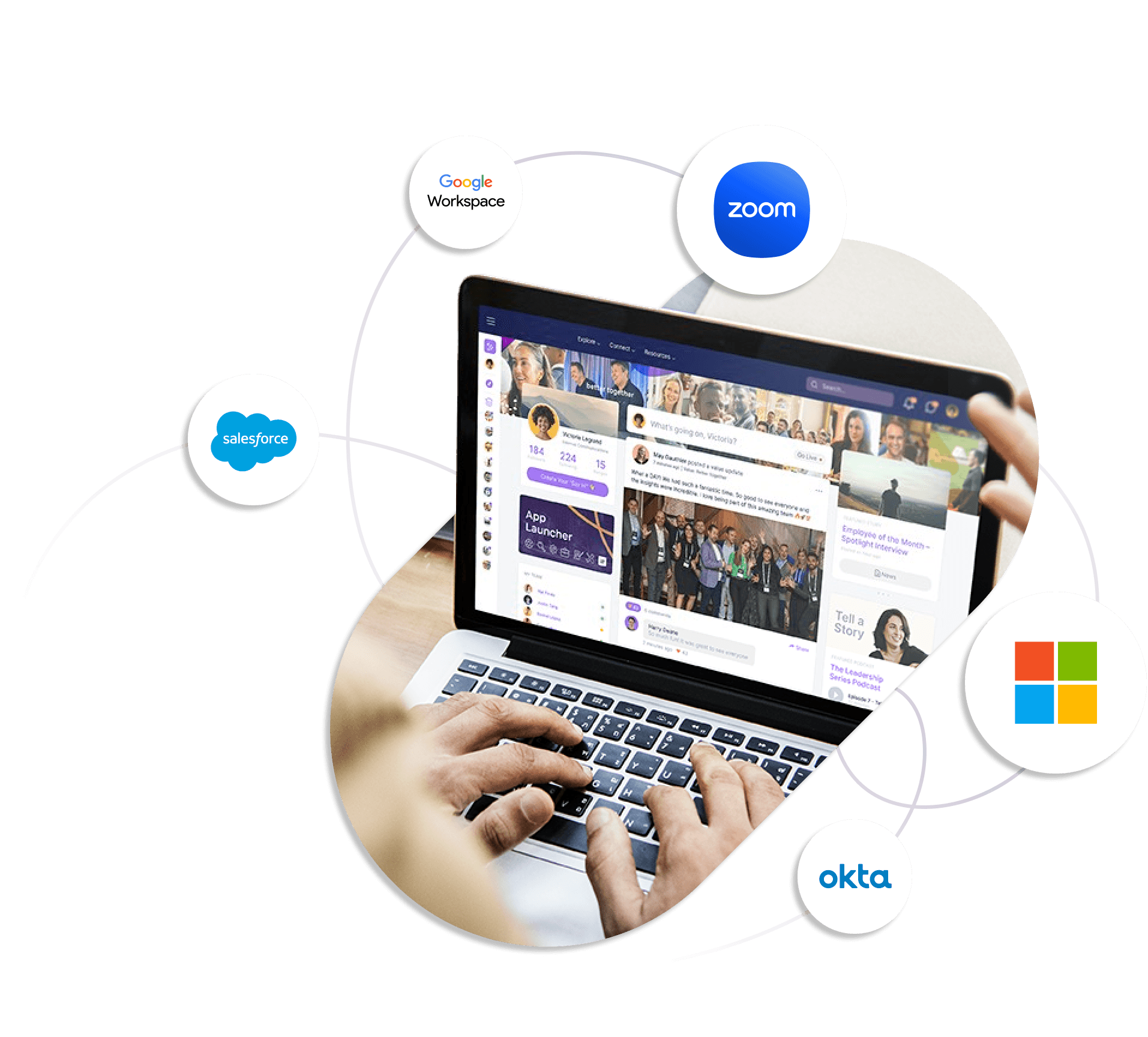
Seamless tool integration: Workvivo connects with Microsoft 365, Google Workspace, Slack, and over 40 HR and payroll systems through plug-and-play integrations. Your teams can search for files across SharePoint, Google Drive, OneDrive, and Box from one unified search bar.
Automated workflows and governance: Schedule automatic content reviews and expiration dates to prevent outdated information from misleading employees. Role-based permissions control who sees, edits, and shares each document.
Your best employees shouldn't waste time hunting for basic information or answering the same questions repeatedly. Workvivo ends that cycle by putting everything in one searchable, social platform people genuinely like coming back to.
Book a demo and see how easy it can be to get your entire team using the same knowledge system.
Frequently Asked Questions (FAQs)
What is the difference between a knowledge base and an intranet software?
A knowledge base is a specific collection of articles, guides, and documentation designed to answer questions and share information.
An intranet is a broader internal platform that includes the knowledge base plus other features like employee directories, collaboration tools, news updates, and company resources.
You can think of your knowledge base as one component of your intranet – the part that stores and organizes all your company's documented knowledge.
How can a good knowledge base software solution help new hires?
With knowledge management software, new hires can find answers immediately instead of interrupting busy colleagues or waiting for scheduled training sessions.
They can self-serve answers to common questions, understand company processes, and find documentation on their own schedule.
What is the role of forums in a modern knowledge management strategy?
Forums give employees a place to ask questions and share solutions without formal tickets or meetings. Over time, these discussions become permanent resources that help the next person with the same problem.