
The Comms Show: Virgin Voyages’ Strategy for Connecting a Global Workforce | March 10th 11am EDT / 3pm GMT
How to Create an Intranet Content Strategy
November 21st 2025
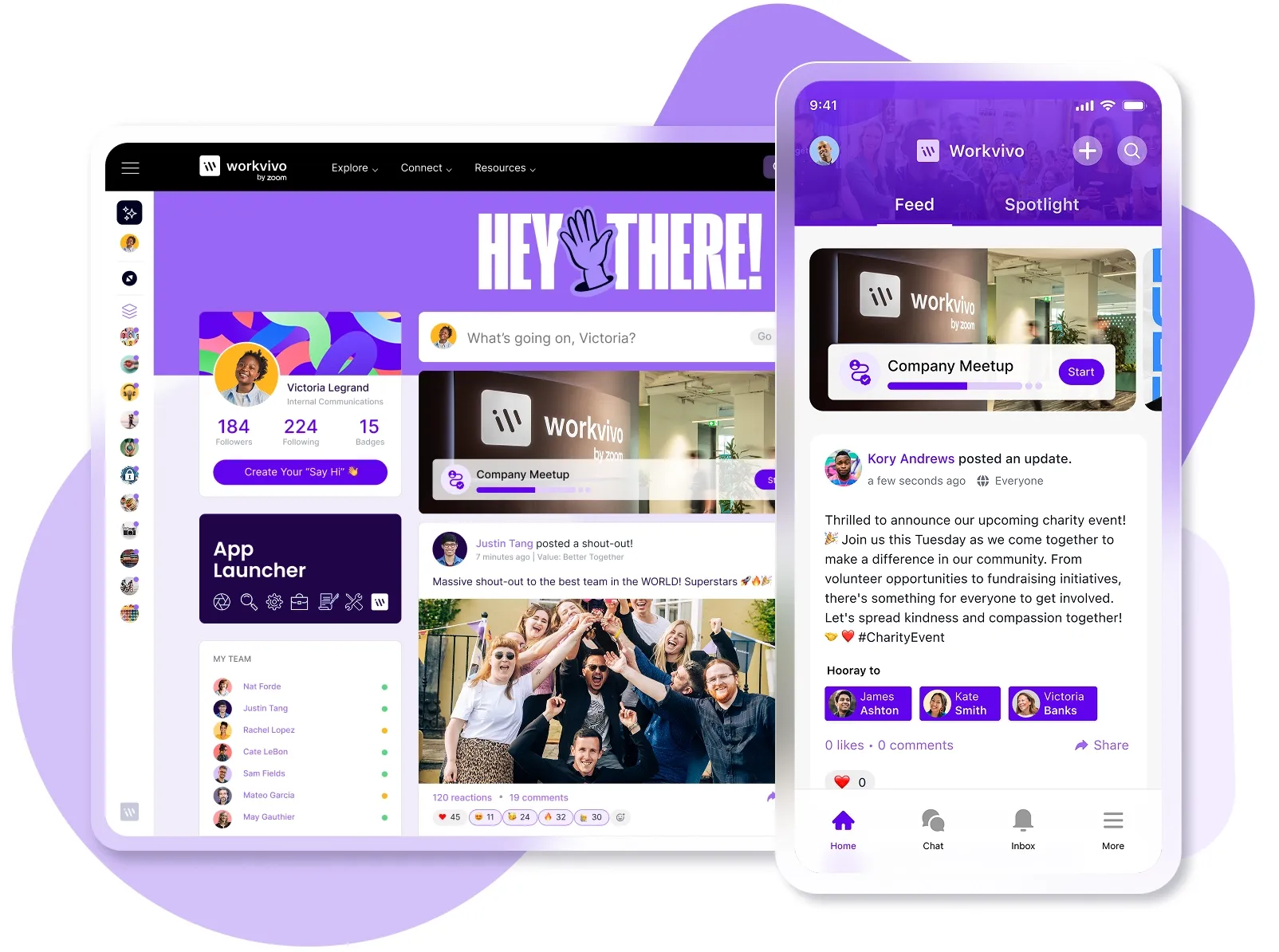
Gartner found that 47% of digital workers struggle to find the information they need. Meanwhile, 27% of employees and 38% of managers feel overwhelmed by too much information.
Most intranets have both problems. They're missing the practical content employees need while burying them in announcements, policies, and updates nobody reads.
It usually starts with good intentions. Leadership wants to share company news, HR needs to post policies, and IT has to distribute system updates.
But without a content strategy, this gets worse over time. Every department posts what they want, whenever and however they want. The clutter builds until people stop checking altogether.
This guide walks you through building an intranet content strategy from scratch. You'll learn what content to publish, who should create it, and how to keep your intranet valuable over time.
What is an intranet content strategy?
An intranet content strategy defines what content goes on your intranet, who's responsible for managing it, and how you maintain it over time. It establishes the framework for content decisions across your organization.
Every good content strategy covers three things:
- Content planning sets the rules for what gets published. You define which content types serve employee needs and business goals, and then filter everything else out.
- Governance assigns ownership for each content type. When someone needs to update the expense policy or fix a broken process doc, they know exactly who's responsible.
- Maintenance prevents content decay. You build schedules for reviews, set expiration dates, and archive outdated material before it confuses anyone.
All three elements need to work together. Planning controls what goes live, governance brings accountability, and maintenance preserves quality.
And don't confuse this with a platform overhaul. A content strategy is NOT about better design or more features. It's the operational framework that keeps content under control.
Why an intranet content strategy matters for employee engagement
Current data shows that only 13% of employees use their intranet day-to-day, while 31% never touch it. Most of that abandonment comes down to content problems, not technology issues.
Here's what changes when you implement a proper content strategy:
- Content aligns with actual job functions: You segment what different teams see, so people only get information relevant to their work. Customer service finds support scripts, finance finds approval workflows, and everyone skips past updates that don't concern them.
- Employees find information faster: You organize content around how people search and what they need, not how departments want to structure things. This is especially important, seeing that McKinsey found that knowledge workers spend about 20% of their time on the hunt for internal information.
- People trust the intranet as accurate: You remove expired policies and update processes when they change. Employees stop wondering if the information they found is still current or outdated.
- Usage and adoption increase naturally: People return when they successfully find what they need. Your intranet becomes the first place they check instead of something they avoid until desperate.
- Information overload decreases: You limit what gets published and archive what's expired. Your homepage shows what matters today, not everything that's ever been posted.
These benefits build on each other over time. Employees stop pinging Slack for basic information and check the intranet instead. They bookmark useful pages and share them with new hires.
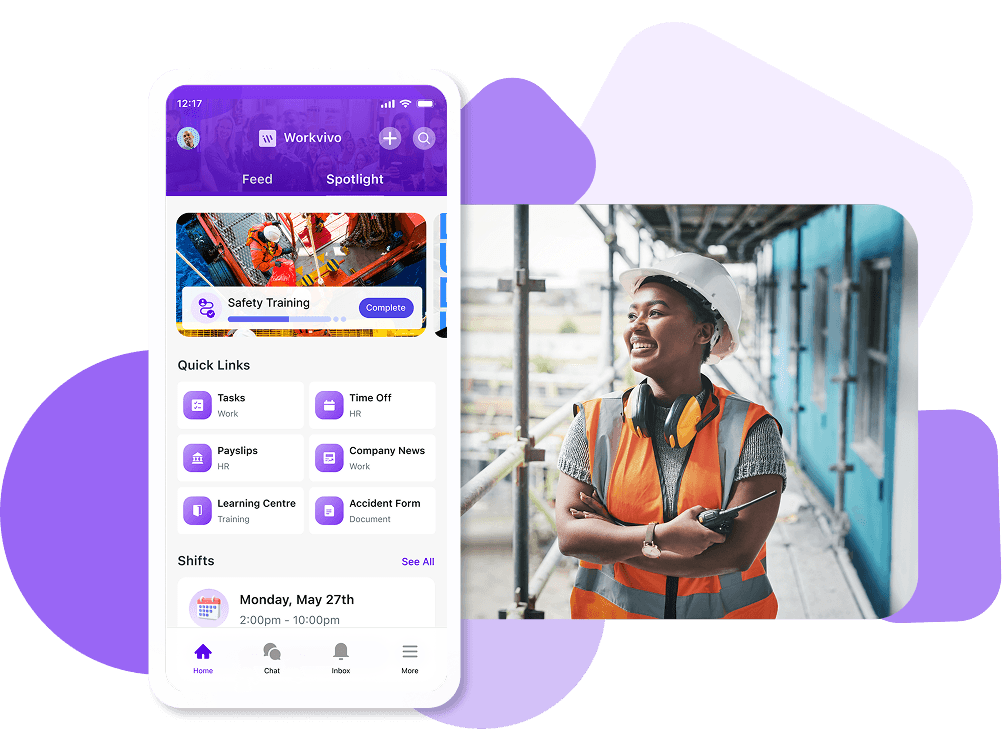
PRO TIP 💡: Platforms like Workvivo make this easier to achieve. The combination of content segmentation, Smart Feed personalization, and mobile access means your strategy reaches every employee with the right information at the right time.
Key functions and formats of an effective intranet strategy
Your intranet needs to serve multiple purposes. A solid content strategy accounts for all the functions your intranet performs and matches the right content formats to each one.
Your platform should handle these five core functions:
- Information distribution: You share company news, stakeholder updates, policy changes, and announcements that affect the whole organization or specific teams.
- Knowledge management: You store and organize policies, procedures, process documentation, templates, and reference materials that employees need to do their jobs.
- Collaboration support: You create spaces for knowledge sharing where teams coordinate projects, share updates, manage workflows, and work together on campaigns.
- Employee services: You provide access to forms, request systems, IT tools, HR resources, and self-service portals that help people complete tasks.
- Culture building: You set up recognition programs, social interaction, forums, leadership visibility, employee spotlights, and community features that strengthen connections.
Each function needs different content formats to work effectively. The format you choose determines how easily employees can consume and act on information:
- Articles and posts: Short-form updates, announcements, news stories, and blog-style content that people scan quickly.
- Documents and files: PDFs, spreadsheets, presentations, and downloadable resources that contain detailed information or need offline access.
- Videos: Leadership messages, training content, event recordings, and visual explanations that work better than text.
- Interactive forms: Request submissions, surveys, feedback tools, and workflows that collect information or trigger processes.
- Dashboards and widgets: Data displays, quick links, calendars, and tools that provide at-a-glance information or fast access to resources.
You should match your formats to your functions. Leadership announcements work well as short articles or videos. On the other hand, complex policies might need structured documents.
Pick formats based on what employees need to do with the content, not just what's easiest to publish.
Three proven approaches to building your modern intranet content strategy
There's no single way to organize intranet content that works for everyone. Your structure should match what matters most to your organization and how your employees think about their work.
These three frameworks work best for most organizations.
1. Corporate values–based
This approach structures your intranet content around your company's core values. You align every piece of content with values like innovation, teamwork, customer focus, or integrity.
Best for: Organizations with strong, well-defined company values that employees already know and reference in daily work.
Pros:
- Reinforces company culture with every piece of content employees see.
- Creates clear content categories that align with how leadership already talks about priorities.
- Makes it easy for employees to find content related to values they care about.
Cons:
- Only works if your values are specific and distinct enough to create meaningful categories.
- Struggles with practical content like IT policies or expense forms that don't map cleanly to values.
- Can come across as heavy-handed if every post feels like a culture lesson.
2. Company strategy–based
The strategy-based approach organizes your new intranet content around business strategy and key priorities.
You categorize content based on the initiatives that matter most to your company, such as geographic growth, customer retention, process improvement, or technology modernization.
Best for: Organizations with clear strategic plans and employees who need to understand how their work connects to business objectives.
Pros:
- Leadership can communicate strategy consistently through content organization.
- Employees can easily track updates and progress on strategic initiatives they care about.
- Works especially well during periods of major organizational change.
Cons:
- Frontline workers often need practical resources that don't tie to high-level strategy.
- May feel corporate or top-down rather than employee-focused.
- Not all content fits neatly into strategic buckets (HR policies, IT support, basic operations).
3. Fully segmented and personalized
This approach tailors intranet content ideas to individual employees based on their role, department, location, or other attributes. Each employee gets a customized experience with content relevant to their specific needs and responsibilities.
Best for: Large organizations with multiple employee types, various locations, or segments that have different information needs.
Pros:
- Employees get faster access to resources specific to their role.
- Increases engagement because every visit feels purposeful and targeted.
- Scales well across large, complex organizations with varied employee types.
Cons:
- Can create information silos where teams miss important cross-functional updates.
- Technical complexity increases when managing content rules across many segments.
- Breaks down if employee data is outdated or incorrectly tagged in your system.
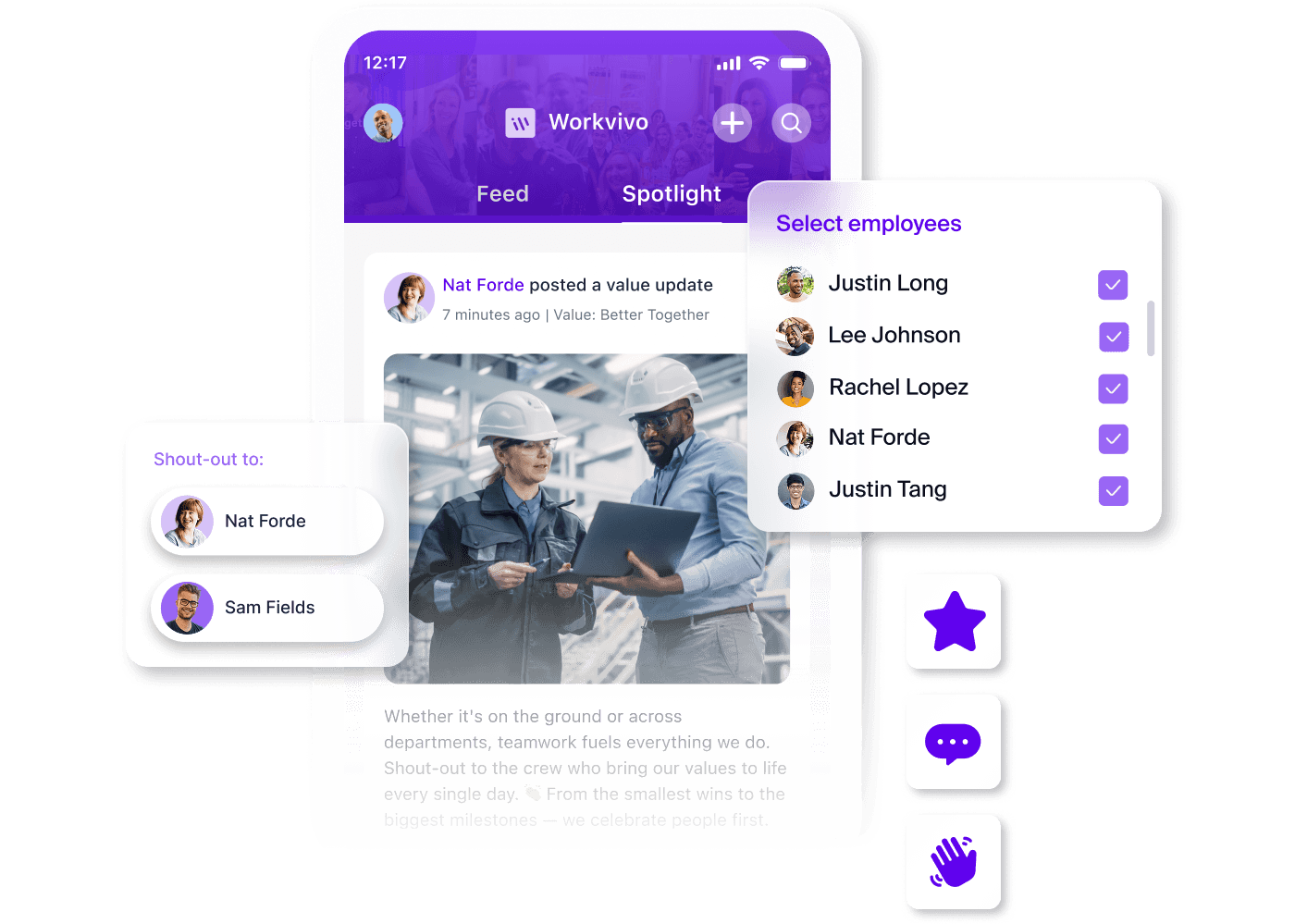
PRO TIP 💡: Workvivo's segment-based distribution lets you target content to specific employee groups based on department, location, or custom attributes. You can route newsletters, posts, and updates to the right audiences without everyone seeing everything.
Core types of content your employees need
Your intranet platform should include specific content types that serve different employee needs. A solid content strategy defines what you publish in each category and who's responsible for keeping it current.
| Content type | Purpose (what it does) | Examples | Update frequency |
|---|---|---|---|
| Company news and announcements | Keeps employees informed about organizational changes, achievements, and important updates | Quarterly results, leadership changes, new office openings, and company milestones | Weekly or as needed |
| Policies and procedures | Provides official guidelines and rules employees must follow | Employee handbook, code of conduct, expense policy, time-off procedures | Annually or when regulations change |
| Process documentation | Shows employees how to complete specific tasks and workflows | How to submit expenses, onboarding checklists, and IT troubleshooting guides | Quarterly or when processes change |
| Leadership communications | Shares vision, strategy, and direction from executives | CEO updates, department head messages, and town hall recaps | Monthly or quarterly |
| Team and department updates | Keeps employees informed about what's happening in specific areas of the business | Project milestones, team wins, new hires, department initiatives | Weekly or bi-weekly |
| Resources and templates | Gives employees the tools they need to work efficiently | Presentation templates, contract templates, brand guidelines, project plans | As needed or annually |
| Recognition and celebrations | Highlights employee achievements and important personal milestones | Employee spotlights, work anniversaries, promotions, and team accomplishments | Ongoing/daily |
| Learning and development | Helps employees build skills and advance their careers | Training materials, course catalogs, certification programs, lunch-and-learn recordings | Monthly or quarterly |
| Events and calendar | Informs employees about upcoming activities and important dates | Company events, team meetings, holiday schedules, deadline reminders | Ongoing/as scheduled |
Balance these content types based on what your employees need most. A sales team might prioritize resources and templates, while a manufacturing floor might need more process documentation and safety updates.
Your content strategy should weigh each type according to your workforce and business priorities.
Best practices for content creation and workflows
Your content strategy needs practical workflows that teams can follow. These best practices cover how to create, review, and publish content properly:
- Assign specific content owners for each category: Make one person or team accountable for policies, another for company news, and so on, so content never falls through the cracks.
- Set up clear approval workflows before publishing: Define who reviews content, how long approvals take, and what happens when urgent updates need to go live faster than normal.
- Create templates for recurring content types: Standardize how announcements, team updates, and policy documents look so employees know what to expect and creators work faster.
- Set expiration dates when you publish content: Flag content with a review or removal date so outdated information doesn't linger and confuse people months later.
- Write for mobile and quick scanning: Use short paragraphs, clear headers, and bullet points since many employees access your intranet software on phones during breaks or between tasks.
- Train content creators on platform features and standards: Show people how to use social features, embed media, and follow your style guidelines so content stays consistent.
- Build an editorial calendar for planned content: Map out announcements, campaigns, and regular updates in advance so you're not scrambling to create content at the last minute.
- Archive outdated content to keep feeds clean: Remove old material from active channels, but keep it searchable so your intranet stays current without losing institutional knowledge.
Tips for optimizing your intranet homepage and news feed
Your homepage and news feed are where most employees spend their time on your digital workplace. What you feature in these spaces directly affects whether people find value or tune out.
These practices help you optimize both:
- Keep your homepage layout clean and uncluttered: Too many widgets, links, and featured items create decision paralysis and make it harder to find anything useful.
- Use the top of your feed for time-sensitive content only: Pinned posts should expire after a few days, so your feed stays fresh with engaging content, and employees don't ignore the top section completely.
- Feature a mix of content types instead of just corporate announcements: Balance leadership updates with team wins, employee spotlights, and practical resources so your feed doesn't feel like a communications team PR channel.
- Personalize content based on role, department, or location when possible: Marketing teams shouldn't see manufacturing safety updates, and vice versa, unless the content truly applies to everyone.
- Make search prominent and easy to access: Employees who know what they want should be able to find it in seconds without scrolling through your homepage or the mobile app.
- Test your homepage on mobile devices: Many employees access your intranet from phones, so layouts need to work on small screens without endless scrolling.
- Use clear, action-oriented labels for links and sections: "Submit Expense Report" works better than "Finance Portal" because it tells people exactly what they'll accomplish.
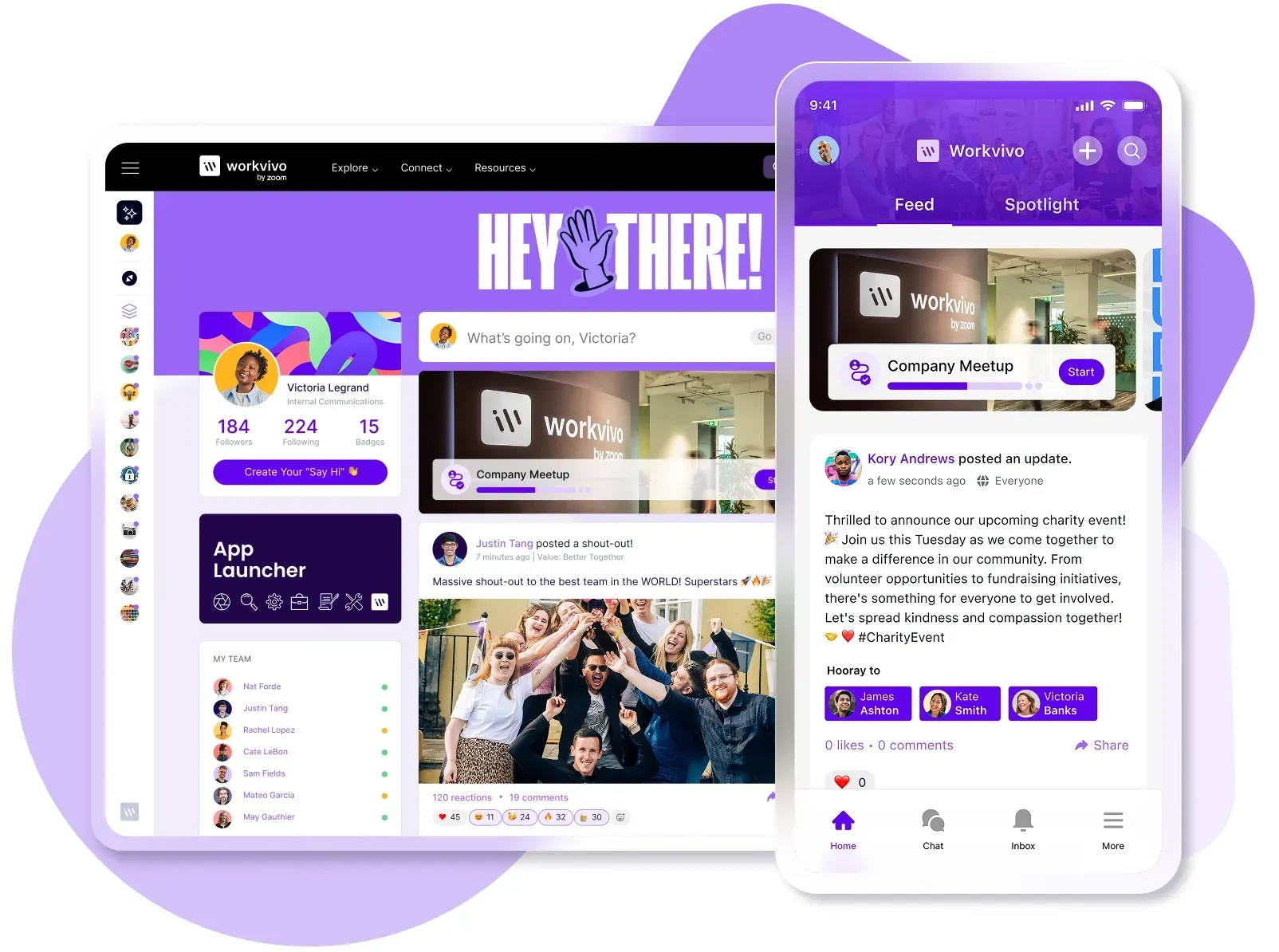
PRO TIP 💡: Workvivo combines a customizable homepage with an intelligent activity feed that surfaces relevant content automatically. The mobile-first design ensures your layout works on any device, while segmentation tools let you control what different employee groups see.
Measuring success with metrics and employee feedback
You need both hard data and direct employee input to understand how well your content strategy works. Analytics show what's happening, while feedback explains why it's happening and what needs to change.
Start by tracking these core metrics to understand how employees interact with your intranet:
| Metric | What it tells you | Target frequency |
|---|---|---|
| Daily/weekly/monthly active users | How many employees truly use the intranet, and how often they return | Weekly/Monthly |
| Page views per session | Whether employees browse multiple pages or leave immediately after landing | Weekly |
| Time spent on site | If new employees find the intranet engaging enough to stick around | Monthly |
| Search engine queries and success rate | What employees look for and whether they find relevant information without multiple attempts | Weekly |
| Most and least viewed content | Which content types resonate, and which get ignored completely | Monthly |
| Engagement actions | How often employees like, comment, share, or interact with content | Weekly |
| Content by department/author | Which teams produce content people use versus content that sits untouched | Monthly |
| Mobile vs desktop usage | Where employees access your intranet, and whether the mobile user experience needs work | Monthly |
And then pair those numbers with regular feedback to understand the employee experience:
| Method | What it shows | When to use it |
|---|---|---|
| Quarterly pulse surveys | Overall satisfaction, pain points, and whether employees find new content useful | Every 3 months |
| Post-interaction feedback | Quick ratings on specific pages or content pieces to gauge immediate usefulness | Ongoing/always available |
| User testing sessions | How employees navigate, what confuses them, and where workflows break down | After major updates or quarterly |
| Focus groups by department | Role-specific needs, missing content types, and what different segments need | Bi-annually or when planning changes |
| Comments and reactions | Organic feedback on what resonates, what frustrates, and what questions remain in real-time | Monitor continuously |
| Help desk ticket analysis | Recurring problems, confusing processes, and content gaps that force people to ask for help | Monthly review |
Check your metrics regularly, but avoid overreacting to short-term fluctuations. Combine what the data shows with what employees tell you directly.
If metrics show low engagement on policy pages but feedback says people can't find policies at all, you have a navigation problem, not a content one.
PRO TIP 💡: Workvivo's analytics suite covers everything from content performance to employee sentiment. Track reach and engagement for individual posts, compare team member performances, organize content into campaigns for analysis, and run polls and surveys to complement your usage data.
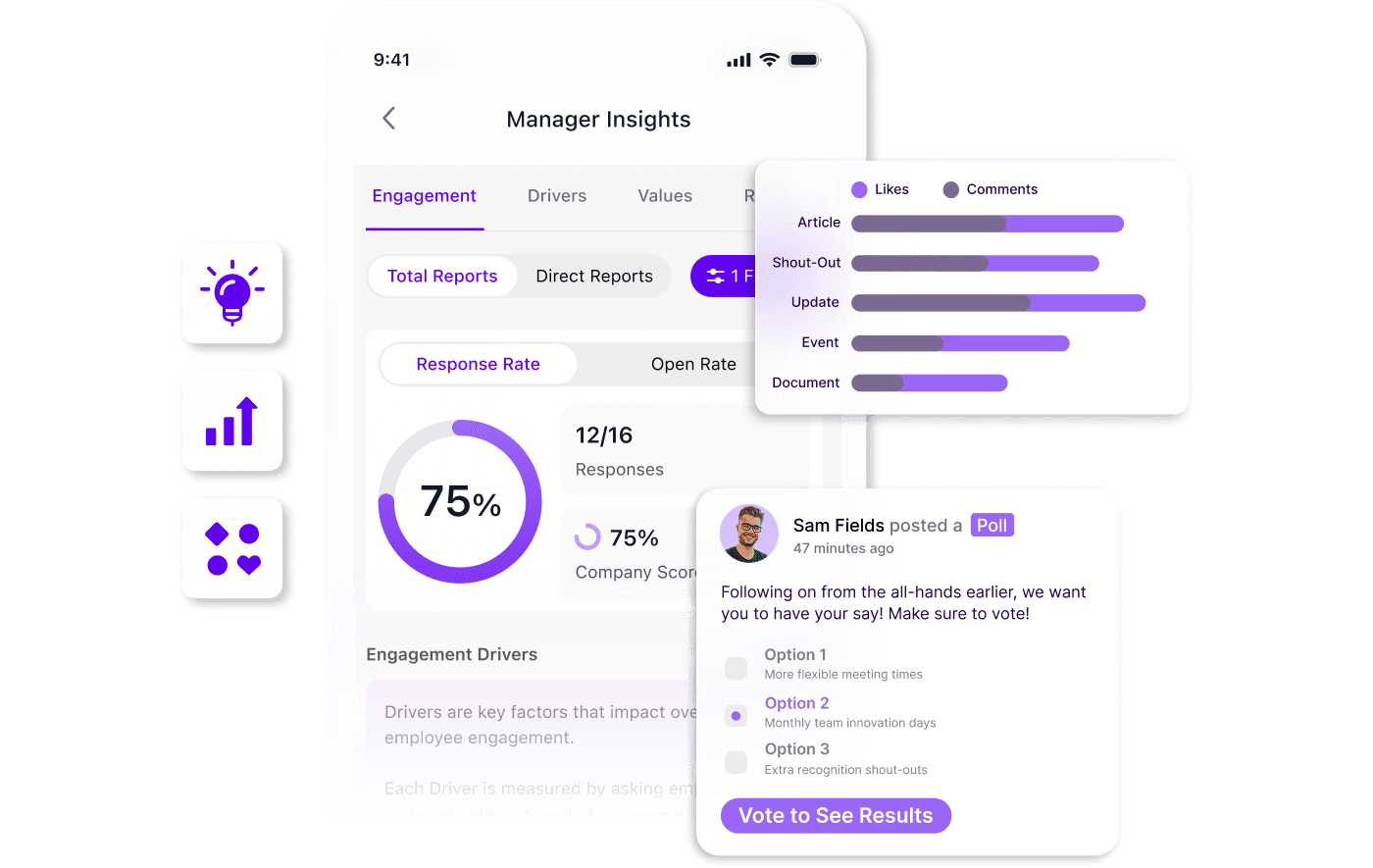
How Workvivo powers a modern, user-friendly intranet experience
A strong content strategy means nothing without the right platform to execute it. Your intranet needs to support content planning, governance, and maintenance without creating friction for your team.
Workvivo gives you the infrastructure to make it happen.
Workvivo is an employee experience platform that combines content management with social engagement features in a mobile-first environment.
The platform gives you the tools to organize, distribute, and measure content performance across your entire organization:
- Content management system with unlimited storage: You can store policies, templates, resources, and documentation in one searchable hub that employees can access from any device. The system includes version control and templates for common content types.
- Segment-based content distribution and personalization: The Smart Feed automatically targets specific departments, locations, or employee groups with relevant content instead of blasting everything to everyone.
- Mobile-first design for frontline and desk workers: Employees access your company intranet from their phones with the same functionality as desktop, including push notifications and offline access.
- Social engagement features: Activity feeds with likes, comments, and shares create interaction around content. Employees recognize each other, celebrate wins, and engage with company news in a familiar social media-style experience.
- Granular permissions and governance controls: You can set exactly who can publish what and where, then track content performance with governance analytics.
- Comprehensive analytics and measurement tools: Teams can track reach, engagement, link clicks, and downloads at the content level, then segment data by team, department, or device type.
- 40+ integrations with tools you already use: Integrate seamlessly with Microsoft 365, Google Workspace, Slack, Zoom, and your HR systems so employees can access everything through one interface.
Building a content strategy takes planning and discipline. But executing it takes the right platform.
Workvivo supports every aspect of your strategy from content creation to analytics, giving you the structure you need without slowing your team down.
Book a demo to learn how Workvivo can support your team.
Discover more content on modern intranet:
- The Modern Intranet for 2026: Core Elements, Features + Benefits
- Advantages and Disadvantages of Intranets: Complete Guide for 2026
- 9 Intranet Alternatives to Modernize Your Digital Workplace This Year
- I Spent 30+ Hours Comparing Intranet Platforms: Here Are the 9 Clear Winners
- Intranet Pricing Guide: How Much Does An Intranet Really Cost?
- Traditional vs. Modern Intranet: What's the Difference?
- How to Choose the Best Intranet Platform for Your Organization
- Your 9-Step Plan for a Successful Intranet Implementation
- How to Improve Intranet Adoption With These Proven Methods
- Intranet vs. Digital Workplace: What’s the Difference?
- Intranet Replacement: Modern Alternatives to SharePoint and Legacy Platforms
- On-Premise Intranet vs. Cloud-Based Intranet: Comparison Guide for IT Teams and Enterprises
- The Buyer's Guide to a Scalable Intranet: Key Considerations and Evaluation Tips
- How a Modern Intranet Improves Employee Onboarding Experiences
- How to Develop an Intranet Knowledge Management Strategy
- The 10 Best Hybrid Workplace Solutions (Ranked & Rated)
- Intranet Governance Framework for a Successful Company Intranet
- 7 Secure Intranet Software Vendors for Security-Focused IT Teams
- Intranet Hosting & Deployment Options: Which Do You Need?
- The 5 Most Important Intranet Integrations for Maximizing Your Digital Workplace
- 14 Real Company Intranet Examples for Different Industries
- What is an Intranet Portal? Everything You Need to Know
- What Is Intranet CMS + 6 Best Options
- 15 Best Intranet Platforms & Solutions on the Market Right Now
- Top 6 Social Intranet Solutions (+ Benefits, Features & Best Apps)
- Enterprise Intranet: Use Cases & Top Rated Vendors for 2026
- 15 Intranet Best Practices for Better Employee Engagement
- 10 Top Use Cases and Benefits of an Intranet
- The Ultimate Guide to Intranet Security: Best Practices, Threats & Solutions
- Using Intranet for Effective Internal Communications: Advantages, Best Practices and Top Tools to Get Started
- What is a SaaS Intranet? Benefits, Features & Best Intranet Solutions
- Intranet Analytics: Best Practices for Measuring Adoption and Success
- Are Intranets Still Relevant? (And How They're Evolving)
- Top 25 Intranet Features for a Connected Workplace
- Exploring the Value of Intranet Benchmarking: What To Know
- The Definitive Guide to Measuring Intranet ROI In 2026
- Intranet Requirements Checklist to Support an Intranet Needs Analysis
- 10 Reasons Building Your Own Intranet Is a TERRIBLE Idea
- Intranet Metrics: Top 6 KPIs to Track (+Real Examples)
- How To Implement an Intranet Migration Without the Headache