
Key takeaways
- On-premise intranets run on servers you own and control in your facilities, with your team managing all hardware, software, security, and maintenance.
- Cloud-based intranets operate on vendor servers that you access through web browsers or mobile apps, with the vendor handling infrastructure while you manage content and users.
- Cloud wins on most comparison metrics, including cost, deployment speed, scalability, and ease of maintenance for the majority of organizations.
- The old concerns about cloud security and compliance no longer apply as modern platforms meet or exceed enterprise requirements.
- On-premise only makes sense for specific scenarios like classified environments, strict data sovereignty requirements, or existing infrastructure investments.
- Most organizations are better off with cloud unless they have explicit regulatory or technical constraints that prevent it.
Choosing between on-premise and cloud-based intranet sounds like it should be straightforward. Look at features, compare prices, and make a spreadsheet, right?
But once you dig in, you realize it’s one of those decisions that touches everything from security policies to how your helpdesk spends their Mondays.
Plus, both options have matured considerably over the past few years.
Cloud platforms now meet enterprise security standards that seemed impossible five years ago. Meanwhile, on-premise solutions have shed much of their complexity, with better automation and cleaner interfaces.
We’ll break down both approaches in practical terms – actual costs, setup complexity, and long-term impacts. You’ll learn how to evaluate each option against your specific business needs, so you don’t have to rely on generic best practices.
What is an on-premise intranet?
An on-premise intranet is software that runs on servers you own and control, typically housed in your own facilities or a data center you lease. All data, applications, and user access remain within your organization’s network perimeter.
The core components include:
- Servers (physical or virtual) to host the application
- Intranet platform like SharePoint Server or Confluence Data Center
- Network infrastructure to connect users to the system
- Storage systems for files, document management, and databases
- Backup solutions to protect your data
- Supporting elements like firewalls, load balancers, and monitoring tools
“On-premise” today looks different from what it did a decade ago. While some organizations still maintain traditional server rooms, many run their on-premise company intranets on virtual servers or private clouds.
What is a cloud-based intranet?
A cloud-based intranet is a ready-to-use platform hosted and maintained by a vendor that your employees access through web browsers or mobile apps.
The setup is simple. The vendor runs the servers, manages the software, handles security updates, and makes sure that everything stays online. Your team logs in through the internet, whether they’re at headquarters or working from home.
| The Vendor Handles | Your Team Handles |
|---|---|
| Infrastructure and servers | Configuration and customization |
| Platform updates and patches | User accounts and permissions |
| Security and compliance | Content creation and organization |
| Performance and scaling | Adoption and training |
| Backups and disaster recovery | Policy and governance decisions |
Cloud intranet software has come a long way since 2015. Today, they offer enterprise-grade security, regulatory compliance certifications, and uptime guarantees that rival (or exceed) what most IT departments can deliver.
On-premise vs. cloud-based intranet: Quick side-by-side analysis
Before we break down each area, here's the full comparison in one table. You’ll see how on-premise and cloud stack up on everything from cost to customization:
| Aspect | On-premise | Cloud-based | Winner |
|---|---|---|---|
| Initial cost | $50,000-$500,000+ upfront | $5-15/user/month | Cloud |
| Total cost of ownership (5 years) | Higher (hardware, staff, maintenance) | Lower (predictable subscription) | Cloud |
| Deployment time | 3-6+ months | 3-6 weeks | Cloud |
| IT staff required | 2-3 dedicated specialists | 1 part-time administrator | Cloud |
| Security control | Complete control over all aspects | Vendor-managed with user controls | Tie (depends on needs) |
| Compliance certifications | You build and maintain | SOC 2, ISO 27001 included | Cloud |
| Remote access | Requires VPN setup | Direct browser access | Cloud |
| Mobile support | Varies by platform | Native mobile apps | Cloud |
| User experience | Depends on platform age | Modern, regularly updated | Cloud |
| Integration with cloud tools | Custom development needed | Pre-built connectors | Cloud |
| Customization depth | Unlimited code modifications | Configuration within the framework | On-Premise |
| Maintenance burden | Your team handles everything | Vendor handles infrastructure | Cloud |
On-premise vs. cloud-based intranet: The complete comparison
Now, let’s see how each of these factors breaks down in practice.
For each factor, we’ll show you how on-premise and cloud solutions differ and which typically comes out ahead.
Cost considerations
On-premises have a major upfront investment in servers, storage, licenses, and network equipment – typically $50,000 to $500,000+. After deployment, you’ll pay for IT staff time, electricity, hardware replacements every few years, and software upgrades.
Cloud intranets charge $5-15 per user monthly, with minimal setup costs. Your subscription covers infrastructure, updates, support, and maintenance in one predictable payment.
| Cost factor | On-premise | Cloud-based |
|---|---|---|
| Upfront cost | $50,000-500,000+ | $5,000-25,000 (setup/training) |
| Monthly/annual costs | Variable (IT staff, power, maintenance) | Fixed subscription ($5-15/user/month) |
| Payment type | Capital expense (CapEx) | Operating expense (OpEx) |
| Hidden costs | Hardware refresh, emergency repairs, downtime | Rarely any |
| Cost predictability | Surprises common | Highly predictable |
| Scaling costs | Buy more hardware (stepped costs) | Add/remove users (linear costs) |
| 5-year TCO* | Often higher than expected | Transparent from day one |
Bottom line: Cloud intranets win on cost for most organizations. Between lower TCO, predictable expenses, and no surprise hardware failures, the financial case is clear. On-premise only makes sense if you have unique requirements that cloud can’t meet.
Technical requirements
On-premise solutions need experienced IT staff who can manage servers, databases, networking, and security. Your team handles everything from hardware maintenance to software updates. Plan for at least two to three dedicated employees to maintain reliable service.
Cloud platforms need just reliable internet connections and current browsers to function. Your IT team focuses on platform configuration, user management, and integrations while the vendor maintains all infrastructure. One person working part-time can usually manage the entire system.
| Technical aspect | On-premise | Cloud-based |
|---|---|---|
| IT expertise needed | Server administration, networking, security, and database management | Basic IT skills, configuration, and user management |
| Infrastructure required | Servers, storage, networking equipment, backup systems, and cooling | Internet connection and web browsers |
| Minimum IT staff | 2-3 dedicated staff or equivalent time allocation | 1 person part-time is often enough |
| Network requirements | Robust internal network, VPN for remote access | Reliable internet bandwidth |
| Maintenance tasks | OS updates, security patches, hardware monitoring, backups | Configuration and user management only |
| Disaster recovery | You build and maintain DR infrastructure | Vendor handles everything automatically |
Bottom line: While some organizations have the technical depth for on-premise, most benefit from the cloud’s simplicity. Less infrastructure means less complexity and fewer things to break.
Security and compliance
With on-premise, you control every aspect of security from firewalls to physical server access. Many organizations with strict compliance needs prefer this control. The downside is that every security measure falls on your team to implement and maintain.
Cloud platforms provide enterprise-grade security built in. Leading vendors maintain SOC 2, ISO 27001, and industry-specific certifications while handling infrastructure security. You still control user access and sensitive data policies, but the vendor manages most security complexity.
| Security aspect | On-premise | Cloud-based |
|---|---|---|
| Security control | Complete control over all security layers | Shared responsibility model with vendor |
| Compliance certifications | You obtain and maintain all certifications | Vendor provides SOC 2, ISO 27001, HIPAA, etc. |
| Data location | Data stays on your servers in known locations | Data in vendor's data centers (with geographic options) |
| Security updates | Your team applies patches and updates manually | Automatic security updates from the vendor |
| Access management | You configure and maintain identity systems | Built-in SSO and MFA options included |
| Security expertise required | Need security specialists on staff | Vendor's security team handles infrastructure |
| Incident response | Your team detects and responds to threats | 24/7 monitoring and response from the vendor |

Scalability and performance
On-premise systems don’t scale gracefully. You buy hardware for where you think you’ll be in two years, usually overbuying to be safe. You get reliable performance from dedicated servers, but expansion comes with long lead times and major spending.
Cloud intranets scale smoothly. You can add users quickly, and while most vendors have pricing tiers or annual contracts, you still avoid overprovisioning like with on-premise. Major providers guarantee excellent uptime and use global networks to deliver consistently fast performance.
| Scalability aspect | On-premise | Cloud-based |
|---|---|---|
| Scaling speed | Weeks to months for hardware procurement | Instant with a few clicks |
| Scaling method | Buy hardware in chunks, often overprovisioned | Add the exact number of users needed |
| Performance control | Dedicated resources ensure consistent speed | Depends on the internet and vendor infrastructure |
| Geographic distribution | Build infrastructure in each location | Global access through the vendor's network |
| Peak load handling | Must provision for the maximum expected load | Automatically handles traffic spikes |
| Uptime | Depends on your infrastructure and team | 99.9% SLA standard with most vendors |
Bottom line: For organizations that need to scale quickly or have distributed teams, the cloud is the obvious choice. On-premise works for stable, single-location companies, but cloud handles growth and change far better.
Implementation and deployment time
On-premise deployments typically take months. You need to procure hardware, install servers, configure software, set up networking, and test everything before launch. More complex installations can stretch to six months or more.
Cloud-based solutions launch quickly. Basic setup takes hours to days, with most of your time spent on configuration and content migration rather than infrastructure. Even complex deployments with integrations and customizations rarely exceed a few weeks.
| Deployment aspect | On-premise | Cloud-based |
|---|---|---|
| Typical timeline | 2-6 months from start to launch | 3-6 weeks for full deployment |
| Initial setup | Days to weeks for infrastructure alone | Hours to activate the platform |
| Hardware procurement | 2-8 weeks for server delivery | None required |
| Software installation | 1-2 weeks, including OS and applications | Instant activation |
| Testing phase | 2-4 weeks for infrastructure and performance | A few days for configuration testing |
| User migration | Same timeline, but after the infrastructure is ready | Can begin immediately |
| Time to first login | Months after the project starts | Same day as contract signing |
Employee experience and accessibility
On-premise intranet solutions vary widely in employee experience. While newer versions look modern, many organizations run older platforms that feel clunky. Remote workers usually need VPN access, and mobile support varies dramatically between platforms.
Cloud intranet vendors prioritize modern user experiences. They deliver consumer-grade interfaces that work seamlessly across devices without VPNs or special configurations. The interface stays current through frequent updates you don’t have to manage.
| Experience aspect | On-premise | Cloud-based |
|---|---|---|
| Interface quality | Varies by platform age and version | Modern, regularly updated UI |
| Mobile access | Depends on platform; often limited | Native mobile apps standard |
| Remote access | Usually requires VPN setup | Direct access from any internet connection |
| Browser compatibility | May require specific browsers/versions | Works on all modern browsers |
| User training needed | Often substantial due to complexity | Intuitive and user-friendly interfaces reduce training |
| Search capabilities | Basic to advanced, depending on the platform | AI-powered search is increasingly common |
| Collaboration features | Varies widely by platform | Real-time collaboration tools built in |
| Accessibility standards | Depends on version and configuration | WCAG compliance is typically built in |
Bottom line: Cloud delivers consistently better user experiences, particularly for remote and mobile users. While some on-premise platforms can compete visually, they usually fall short on accessibility and convenience.
Integration capabilities
On-premise gives you total integration control, but you need serious technical resources. You can build custom connections to any system, but each integration needs development, testing, and maintenance. API quality depends heavily on your platform’s age and vendor priorities.
Cloud intranets come with pre-built integrations for popular business tools. Most platforms offer extensive APIs and native connectors for Microsoft 365, Google Workspace, Slack, and dozens of other services.
| Integration aspect | On-premise | Cloud-based |
|---|---|---|
| Pre-built integrations | Few to none; depends on the platform | Extensive library of ready connectors |
| API availability | Varies by platform and version | Modern REST APIs standard |
| Custom integration options | Unlimited but requires development | Within platform constraints |
| Integration maintenance | Your team maintains everything | Vendor maintains pre-built connections |
| SSO/Authentication | Must implement and maintain yourself | Built-in support for major providers |
| Third-party tool support | Can connect anything with enough work | Popular tools are supported out-of-the-box |
| Time to deploy integration | Weeks to months per integration | Minutes for pre-built, days for custom |
Customization and control
On-premises gives you complete control over every aspect. You can modify the code, change the database structure, customize workflows, and build any feature you need. The price for this freedom is maintaining all those customizations through every patch and upgrade.
Cloud platforms offer configuration within boundaries. You can customize layouts, branding, workflows, and permissions extensively, but you work within the platform’s framework. Major changes require vendor cooperation.
| Customization aspect | On-premise | Cloud-based |
|---|---|---|
| Code-level changes | Full access to modify anything | No direct code access |
| Workflow customization | Build practically any workflow | Configure within platform capabilities |
| Branding options | Complete control over look and feel | Extensive but within templates |
| Feature development | Add any feature you can build | Request features or wait for updates |
| Custom modules/apps | Build whatever you need | Use marketplace or vendor options |
| Update control | Choose when and what to update | Automatic updates (less control) |
Bottom line: On-premise wins when you need deep customization. That said, cloud platforms now offer enough flexibility for most organizations. You avoid custom code maintenance while still getting a platform that fits your needs.
When should an organization choose an on-premise intranet provider?
Despite the cloud’s advantages, certain organizations still benefit from on-premise deployment. These scenarios are increasingly rare but remain valid for specific situations.
You should consider on-premise if:
- You operate in a classified or air-gapped environment where internet connectivity is prohibited for security reasons
- Data sovereignty laws force you to keep servers within specific borders, and cloud vendors can’t guarantee this
- You recently invested heavily in infrastructure (less than two years old) that sits mostly idle
- Your IT team has deep expertise and available capacity to manage the extra infrastructure
- Legacy system integration demands direct database access or protocols that cloud platforms don’t support
- Your organization has fewer than 100 users in a single location with a stable IT infrastructure already running
- Regulations explicitly ban cloud storage (though verify this – regulations change and often permit secure cloud)
Warning signs you’re choosing for the wrong reasons:
- “We need complete control.” → Cloud platforms let you control users, data, configurations, and workflows
- “Security concerns.” → Modern cloud platforms often deliver better security than you can build yourself
- “We've always managed our own servers.” → What worked before doesn’t dictate what works now
- “Our data is too sensitive.” → Banks, healthcare systems, and governments use cloud successfully
- “Cloud is too expensive long-term.” → Usually false when you calculate true TCO, including hidden costs
For example, a government defense contractor working on classified projects represents a clear on-premise case – they literally cannot connect to the internet.
Similarly, a German hospital with strict data residency rules might need on-premises if cloud vendors can’t guarantee German-only data centers. These are specific, regulatory-driven decisions, not preferences.
When should an organization choose a cloud-based intranet solution?
Cloud intranets make sense for most modern organizations. If you don’t meet the specific on-premise criteria above, cloud likely serves you better.
You should consider cloud-based if:
- Your workforce is distributed across multiple offices, remote workers, or hybrid arrangements
- You need to deploy quickly (weeks, not months) to meet business deadlines
- IT resources are limited or better spent on strategic projects than on server maintenance
- You want a predictable and cost-effective solution without surprise hardware failures or emergency upgrades
- Mobile access matters for your employees to stay connected from any location
- Your organization grows in spurts or seasons and needs to add or remove users frequently
- You rely on cloud tools already, like Microsoft 365, Google Workspace, Slack, or Salesforce, that need seamless integration
- You prefer proven, maintained security over building your own security infrastructure
Warning signs you’re choosing for the wrong reasons:
- “It's the modern thing to do.” → Choose based on needs, not trends
- “We want to eliminate IT work entirely.” → Cloud removes server work, but you still manage users, content, and policies
- “It must be better because it costs less.” → Look at total value, including intranet features and efficiency, not just price tags
- “We can always migrate later if needed.” → Moving between systems is often painful and expensive, so try to choose carefully now
- “Our competitor uses cloud, so we should too.” → Their needs might differ completely from yours
For example, a 500-person consulting firm with offices in three cities and 40% remote workers is perfect for cloud.
They need to launch quickly, give everyone easy access from anywhere, and connect with their existing Microsoft 365 setup. Their small IT team can help employees and streamline workflows instead of babysitting servers.
How Workvivo makes the cloud intranet choice easy
The comparison is pretty straightforward. Cloud beats on-premise in cost, speed, scalability, and simplicity for most organizations.
But picking “cloud” doesn't end the decision. Now you need to choose a platform that employees won’t ignore after week one.
In other words, you need Workvivo.
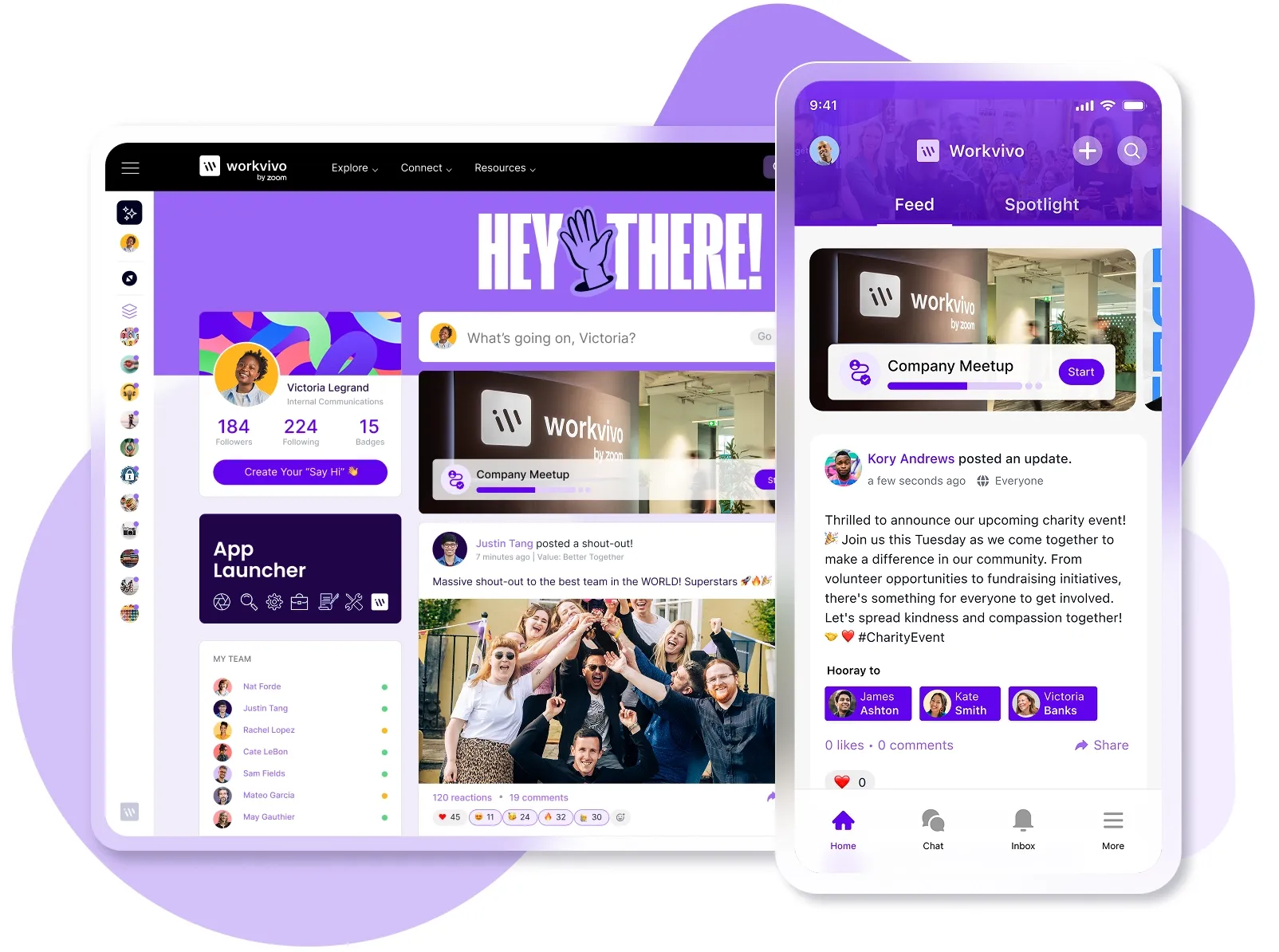
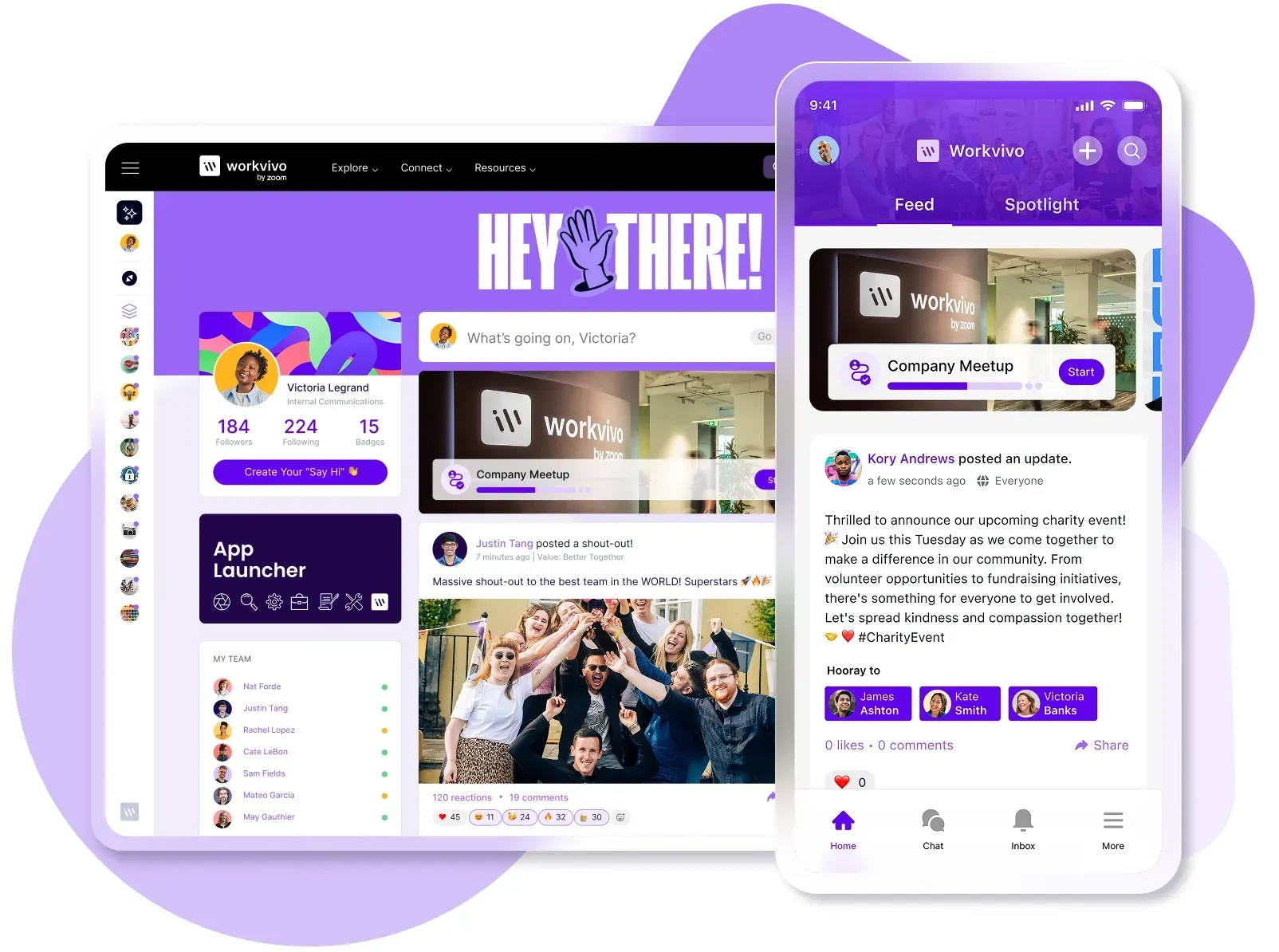
Workvivo is a complete employee experience platform that combines modern intranet functionality, employee engagement features, and advanced analytics in one cloud software solution.
Here’s what you can expect with Workvivo:
- Familiar social interface employees already know: Employees see an activity feed, comment on posts, and react to updates just like they do on Instagram or LinkedIn. The social interface feels so natural that adoption happens organically without IT pushing anyone to use it.
- Launch faster than any on-premise timeline: Basic setup happens in hours with full deployment completed in just a few weeks. Your IT team configures the platform through a web interface while Workvivo handles all infrastructure, updates, and maintenance behind the scenes.
- Unite frontline and desk workers on one platform: Factory workers access the same content as headquarters staff, whether they’re on the floor or in the boardroom. The mobile app works as smoothly as the desktop version, with full functionality available on any device without VPNs or special SaaS configurations.
- Pre-built integrations with tools you already use: You can smoothly connect Microsoft 365, Google Workspace, Slack, and 40+ HR platforms without custom development.
- Real-time analytics that prove ROI: Track engagement rates, content performance, and sentiment through comprehensive dashboards that show exactly how employees interact with your internal communications.
- Enterprise-grade security without the complexity: Workvivo maintains SOC 2, ISO 27001, and industry-specific certifications while you focus on content management. The platform handles infrastructure security, compliance requirements, and uptime guarantees without any security specialists on your staff.
- Built-in recognition that strengthens culture: Employees give kudos, share wins, and celebrate colleagues directly in the main feed where everyone sees it. Team spaces, forums, and milestone celebrations give remote employees the water cooler moments they miss from office life.
Cloud makes sense on paper, but Workvivo makes it work in practice. Book a demo and see why cloud plus Workvivo is the right combo.
FAQs about on-premise intranet
What is the difference between on-premise intranet solutions and cloud-based solutions?
On-premise intranets run on servers you own and manage in your own facilities, while cloud intranets are hosted and maintained by a vendor that you access through the internet.
Cloud typically costs less, deploys faster, and scales easier, but on-premise gives you total ownership of your data and systems.
How do backups, permissions, and upgrades work in a self-hosted intranet?
With a self-hosted intranet, your IT team handles all backups, permissions, and upgrades manually. Backups run on schedules you create and store data on your own servers or tapes.
Your team configures user permissions through the platform’s admin tools, manages Active Directory integration, and troubleshoots access issues when employees can't reach what they need.
What intranet features are essential for employee communication?
The most important intranet features for employee communication are:
- News feed with social features: Leadership posts updates while employees comment, react, and share content like they do on social media
- Instant messaging and chat: Teams ask quick questions and collaborate in real time without cluttered email chains
- Document sharing and collaboration: Employees access, edit, and share files from one central location instead of emailing attachments
- Searchable employee directory: Find colleagues by name, role, department, or expertise to connect the right people quickly
- Mobile access: Field workers and remote employees get the same experience on phones that office workers get on desktops
- Recognition and shout-outs: Colleagues publicly appreciate each other's work to build culture and connection
Which providers offer the best intranet software for in-house IT teams?
For on-premise intranets that in-house IT teams can manage, SharePoint Server is still the most popular choice, especially for organizations already invested in Microsoft infrastructure.
There’s also the Confluence Data Center, which works well for technical teams who want extensive customization options and already use Atlassian’s suite of tools.